Routine printer maintenance relies on proactive troubleshooting. Printing a diagnostic black and white test page is a crucial step for evaluating overall print quality. Unlike standard documents, a dedicated grayscale printing check isolates your black ink cartridge and evaluates toner levels, allowing you to assess hardware performance without wasting valuable color ink.
Running a monochrome evaluation instantly highlights common mechanical issues. You can easily detect faults such as printhead clogging, horizontal banding, or unwanted ink smearing. Using this diagnostic sheet for a routine nozzle check and printhead alignment ensures your machine maintains crisp print resolution and optimal text sharpness.
Regular calibration and hardware diagnostics extend the lifespan of your peripheral device. By making this simple monochrome test a standard part of your printer upkeep, you prevent paper jams and guarantee professional, smudge-free documents every time.
 Black And White Printer Test Page - Guide For Calibrating Grayscale, Contrast, And Depth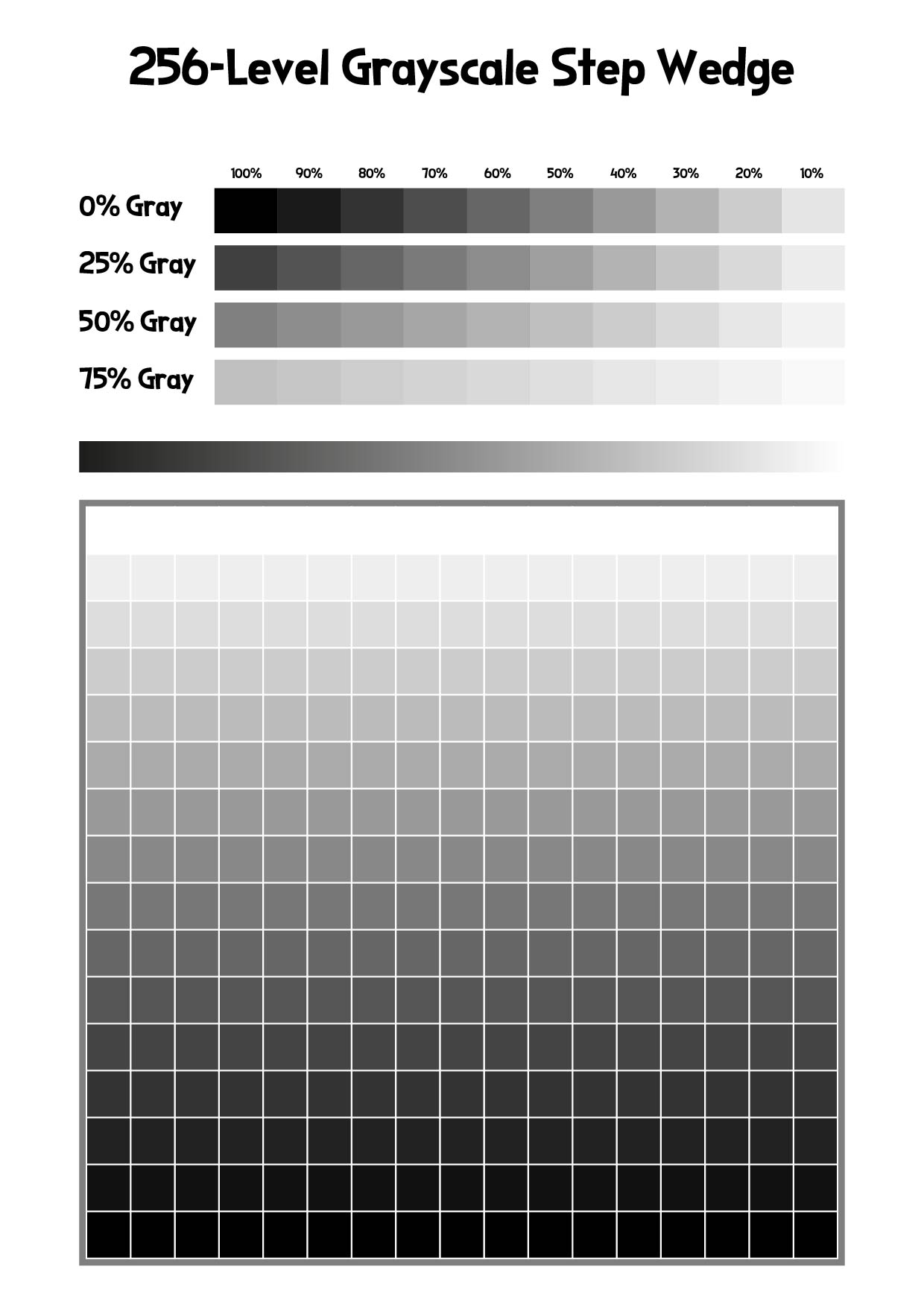
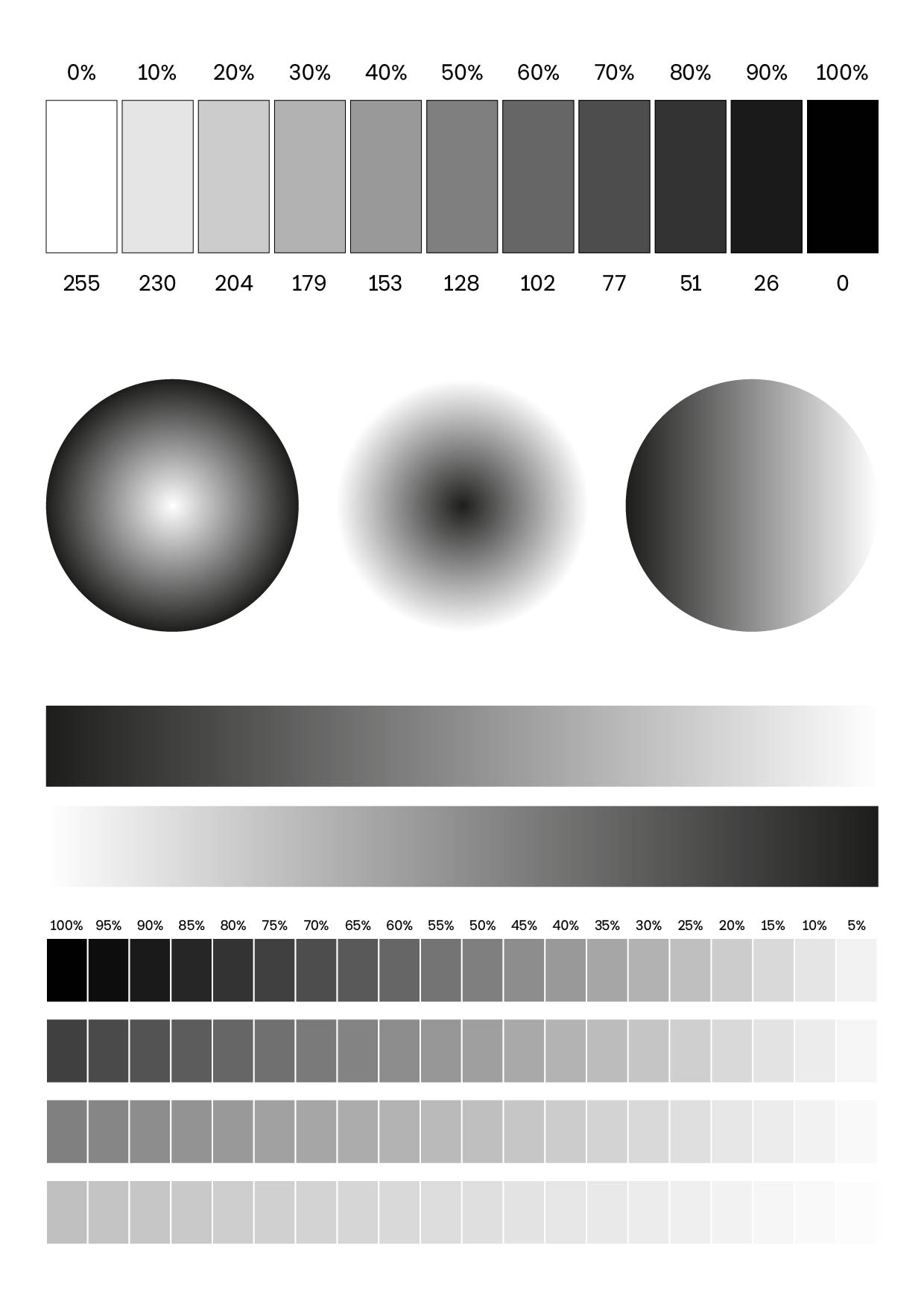
 256-Level Grayscale Step Wedge
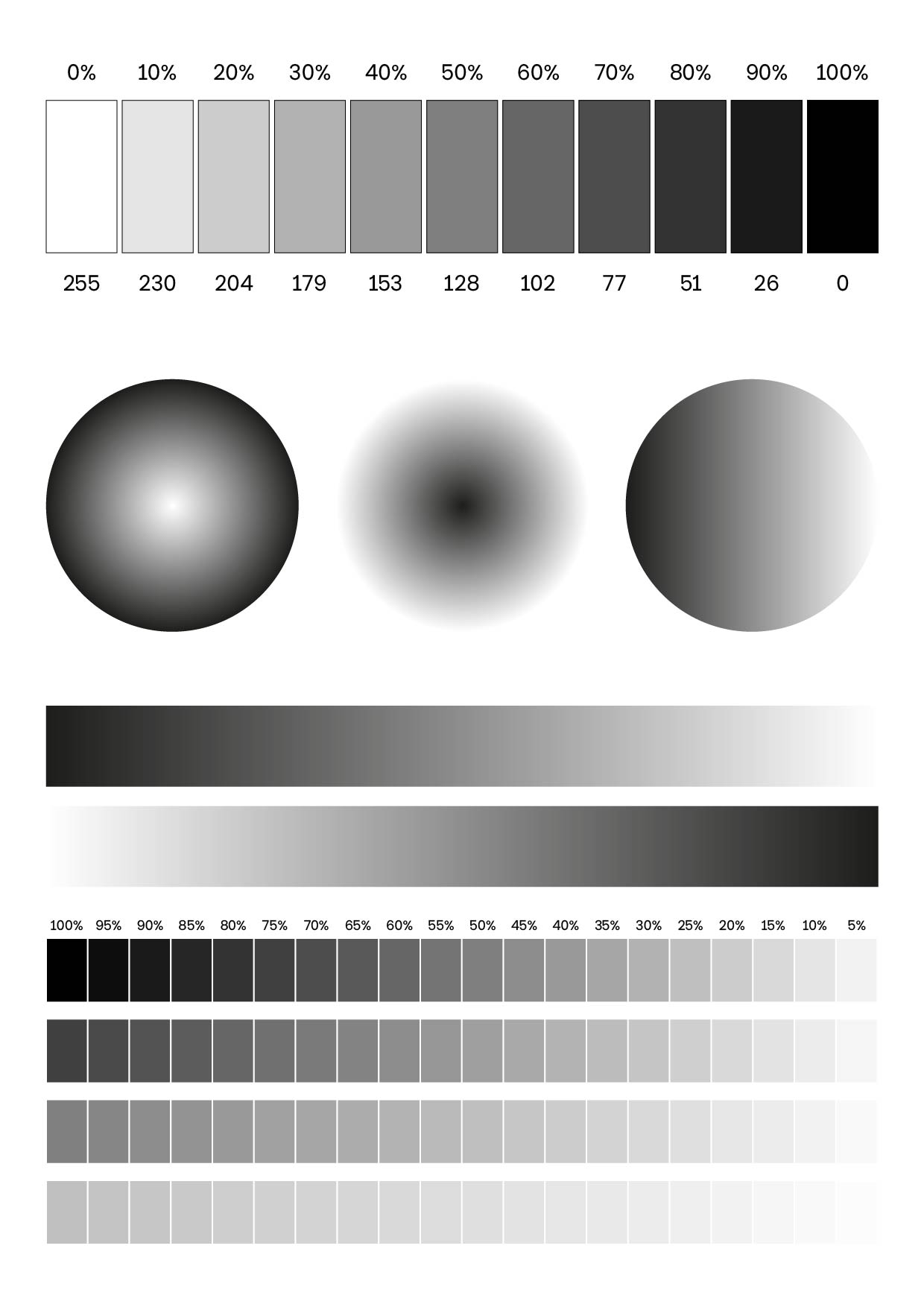
 Detailed High-Contrast Monochrome Portrait
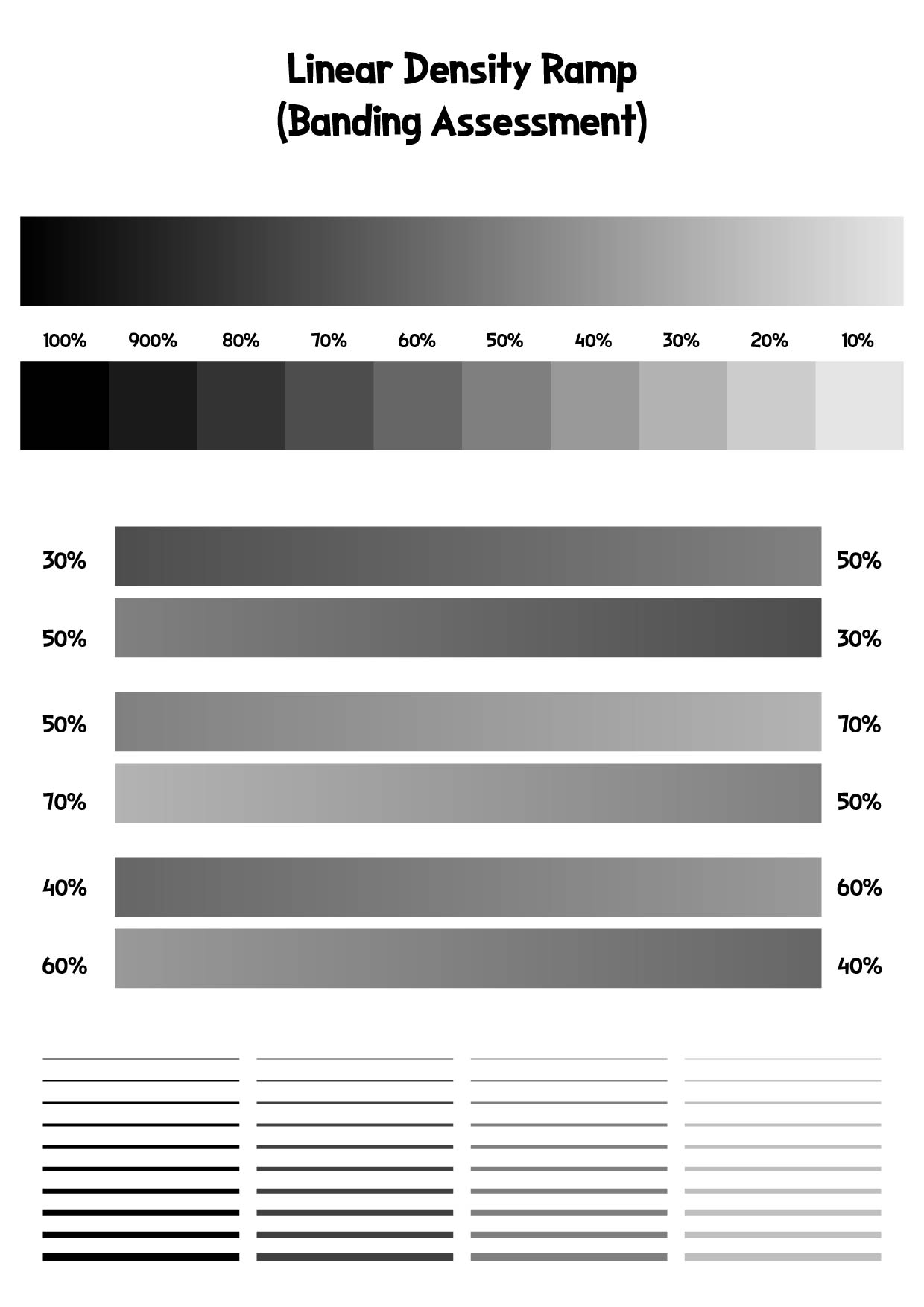
 Linear Density Ramp (Banding Assessment)
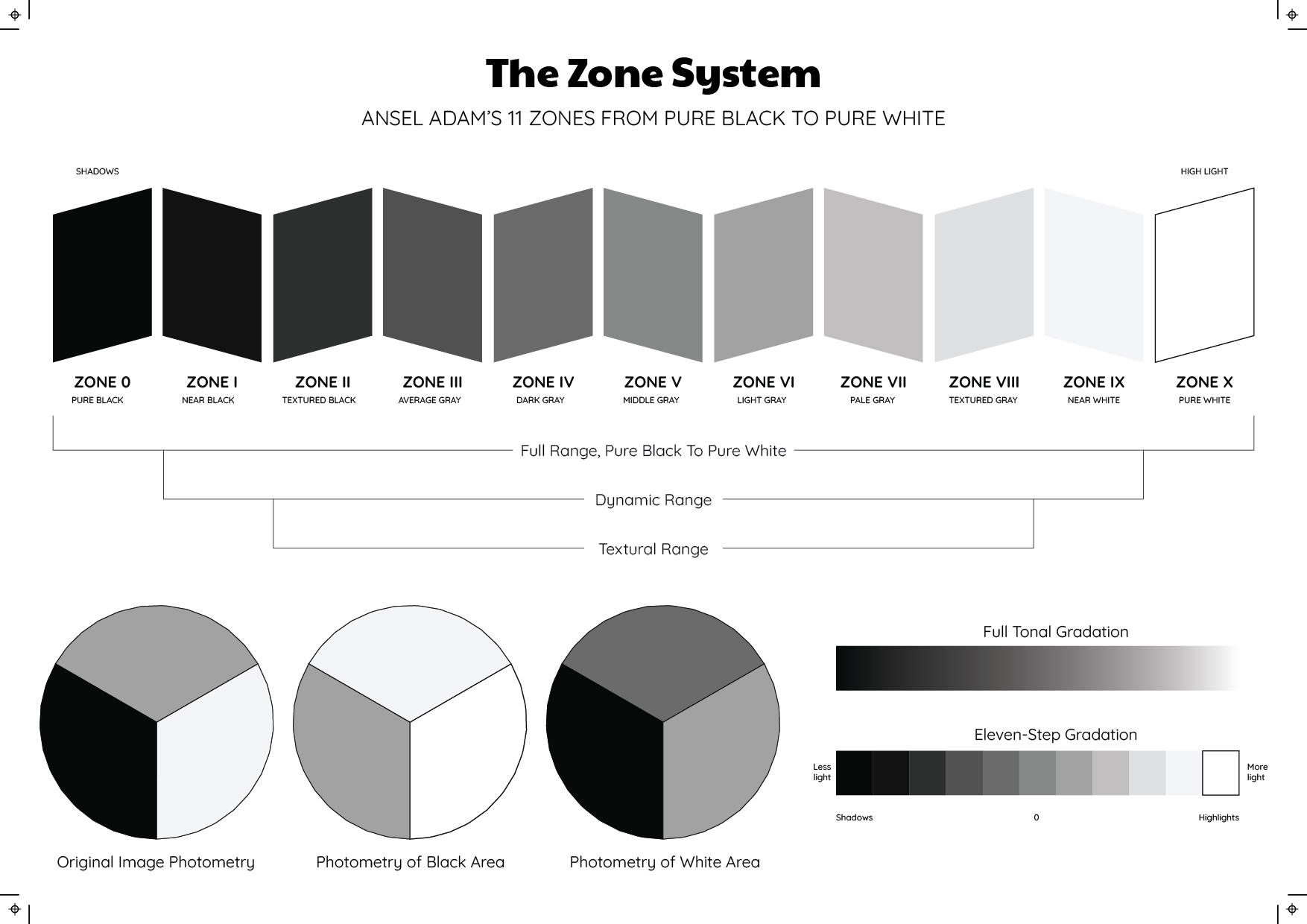
 Ansel Adams Zone System Reference Chart
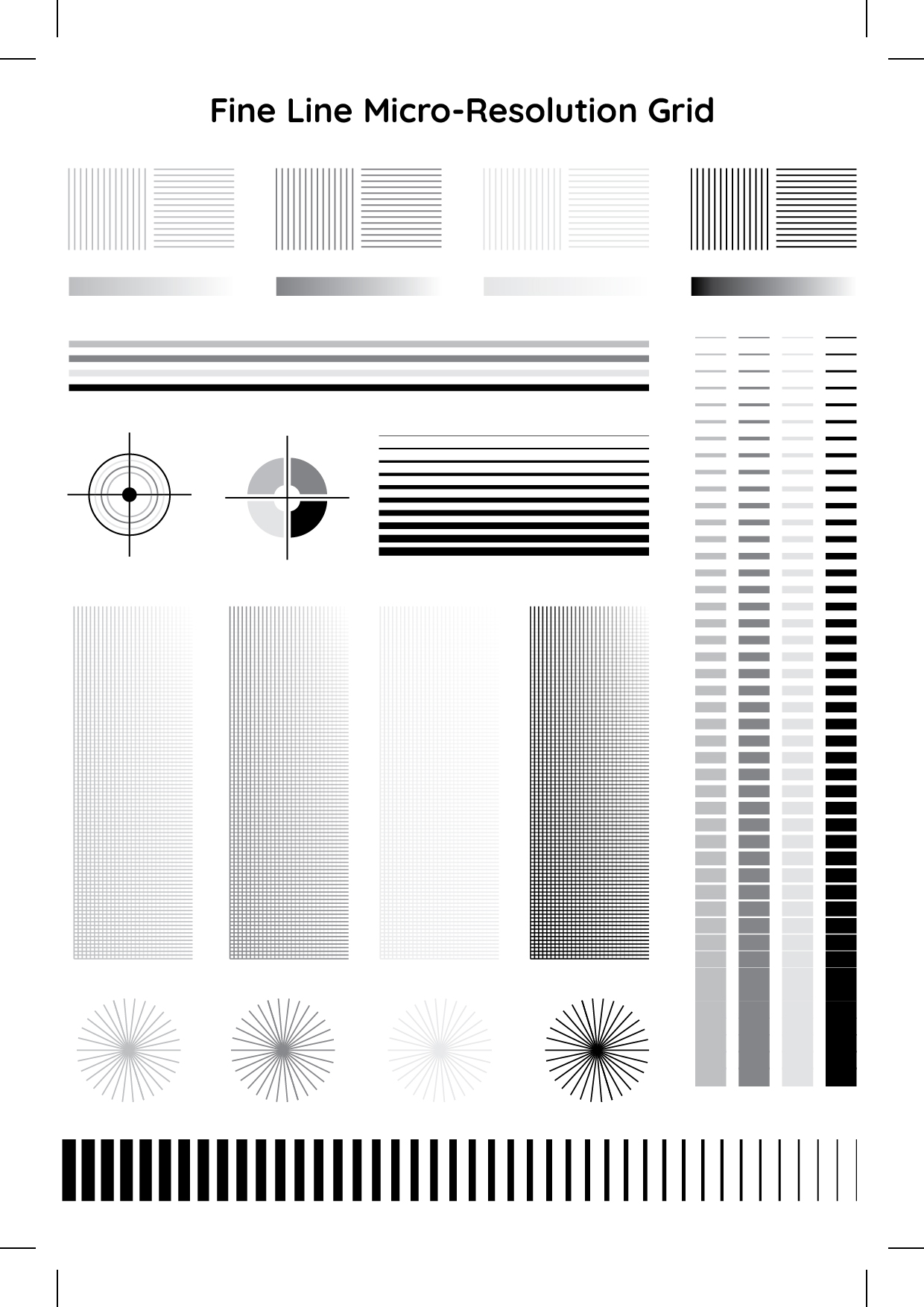
 Fine Line Micro-Resolution Grid
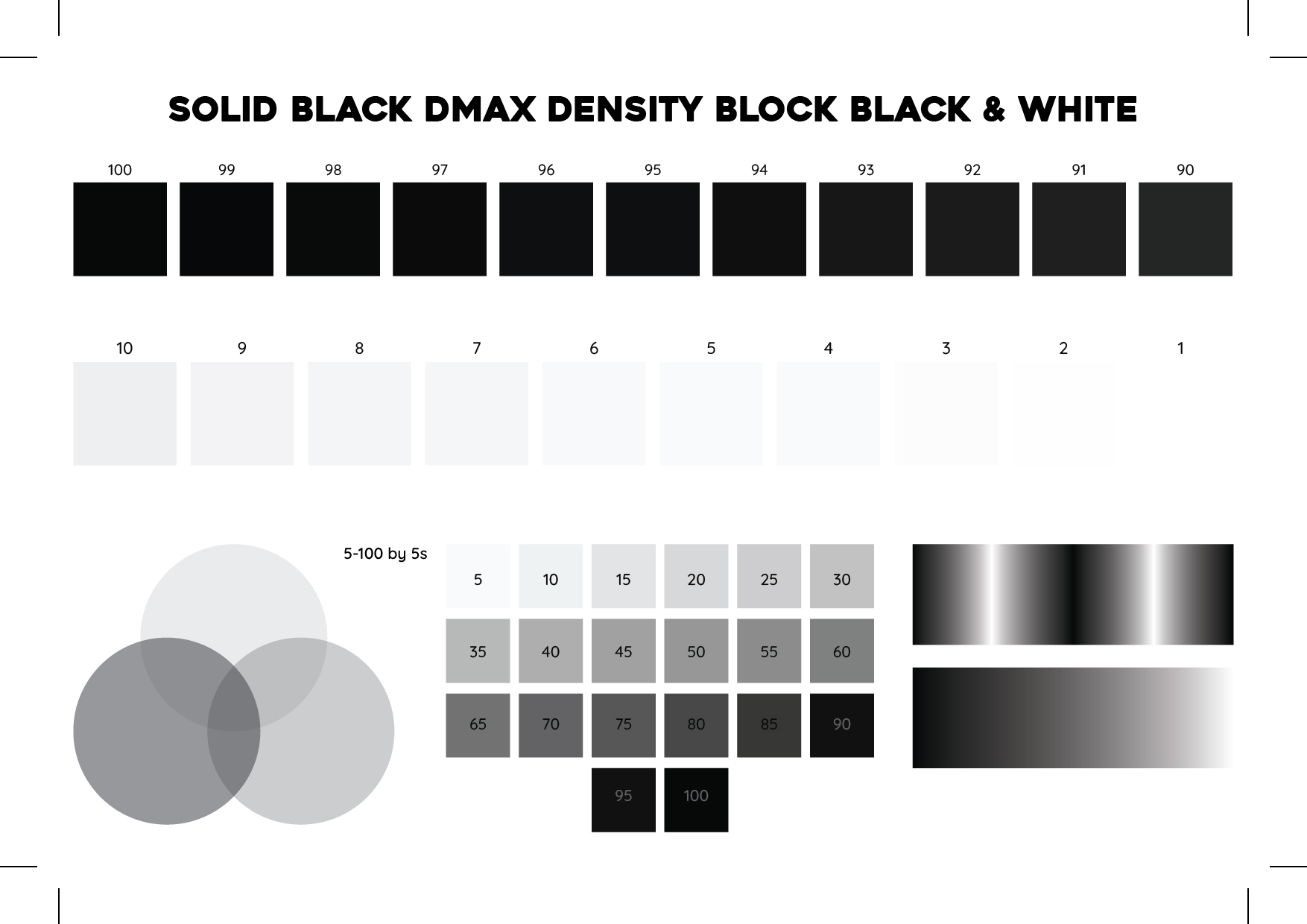
 Solid Black Dmax Density Block
 High-Key Minimalist Landscape (Highlight Retention)
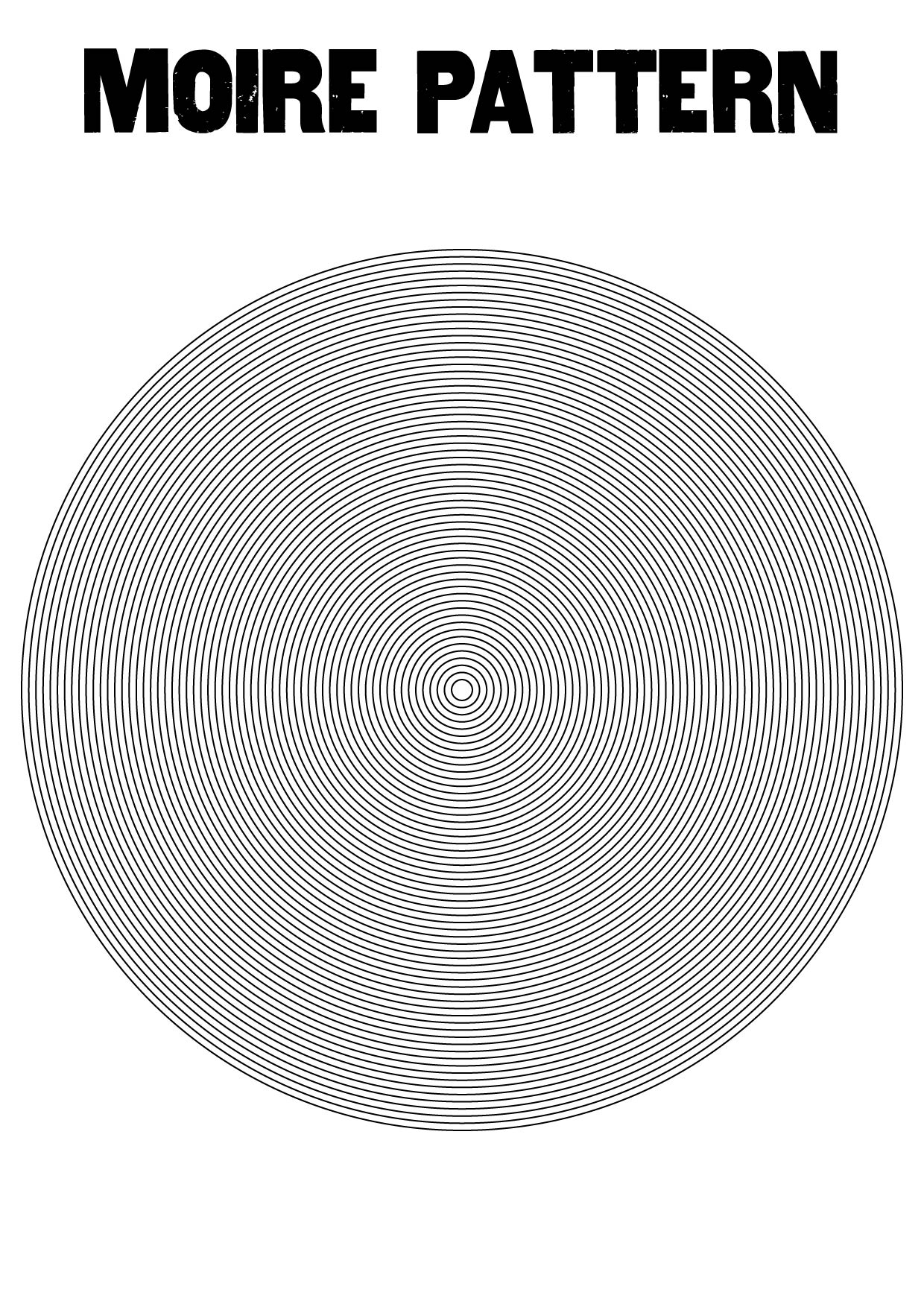
 Concentric Circle Radial Moire Pattern
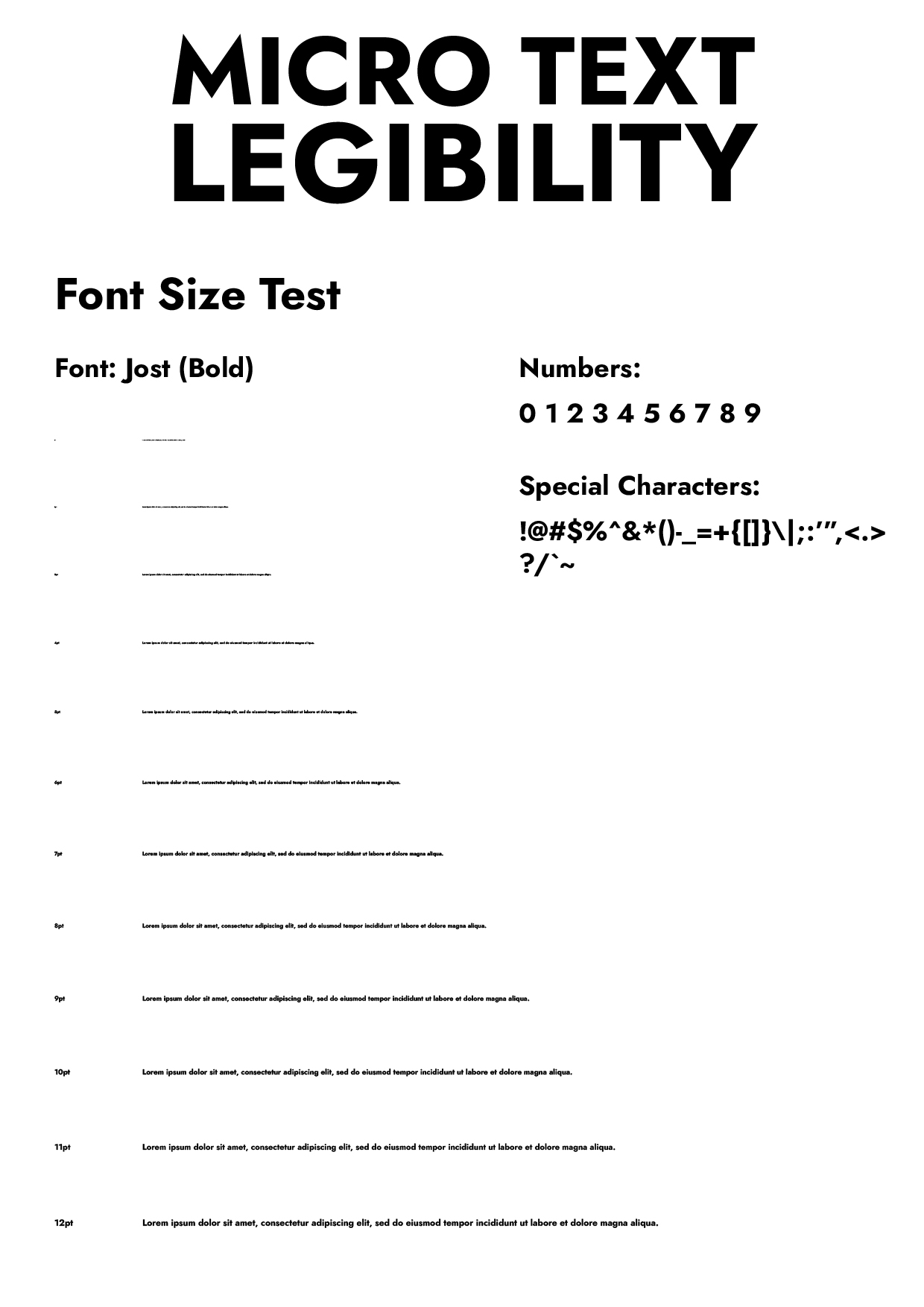
 Micro-Text Legibility Scale (1pt to 12pt)

 Mid-Tone Texture and Grain Reference Image
Achieving flawless black and white printing requires routine printer maintenance. Running a standard printer test page is your most effective diagnostic tool to evaluate grayscale calibration and ensure seamless tonal transitions.
When printed shadows look blocky or highlights appear washed out, your overall print quality suffers. Initiating a comprehensive nozzle check and contrast alignment helps identify gradient banding, blocked ink cartridges, or uneven toner distribution.
Regular hardware diagnostics not only extend your printing device's lifespan but also prevent wasted ink. Calibrate your printer monthly to maintain crisp, professional document fidelity.
Achieving optimal print quality requires a precise balance between deep blacks and crisp whites. Poor printer contrast often yields muddy grayscale gradients and faded documents. To maintain high resolution and accurate color calibration, routine printer maintenance is essential.
Start by running a standard printer test page. This diagnostic sheet evaluates CMYK accuracy, shading transitions, and overall contrast levels. If your blacks lack depth, verify your toner cartridge density or check your ink levels. Conversely, if crisp whites appear smudged, it usually indicates the need for a thorough printhead cleaning and roller inspection.
Fine-tuning your contrast settings within the printer driver software ensures sharp text and vibrant imagery. Combine this hardware adjustment with regular printhead alignment and nozzle checks to prevent document banding. By consistently reviewing your calibration sheet, you maximize ink efficiency, prolong your printer's lifespan, and guarantee flawless, high-contrast outputs.
Achieving optimal print depth is crucial for rendering rich, nuanced dark tones without losing subtle details. When shadow areas appear muddy or pixelated, running a comprehensive printer test page is your first diagnostic step. This calibration tool helps evaluate your machine's grayscale accuracy, CMYK color gamut, and overall contrast ratio.
To enhance sharpness in heavily saturated areas, routine printer maintenance is essential. Start by executing a nozzle check to identify clogged microscopic jets. If gaps exist, initiate a printhead cleaning cycle to restore flawless ink distribution. For laser printers, verifying toner density and drum health prevents horizontal banding in deep blacks.
Next, adjust your software’s DPI (dots per inch) settings to maximize resolution. Performing a manual printhead alignment ensures that your ink cartridges deposit droplets with pinpoint accuracy, eliminating blurred edges in high-contrast zones. Regularly printing diagnostic pages not only preserves your hardware but guarantees professional-grade, razor-sharp shadow details on every output.
Routine printer maintenance requires analyzing a monochrome printer test page to ensure optimal print quality. When running a diagnostic, evaluate these crucial elements to assess your toner cartridge and printhead performance:
Performing this simple print diagnostic regularly prevents future mechanical errors, reduces toner waste, and significantly extends the lifespan of your monochrome printer.
To ensure peak print quality, routine printer maintenance is essential. Before producing high-resolution documents, always run a printer test page. This diagnostic tool reveals critical data regarding your ink levels, toner cartridge health, and color calibration accuracy.
If your test print shows fading or banding, adjust your printer driver settings via your device's control panel:
Regularly updating these default preferences and performing basic hardware troubleshooting guarantees flawless documents and extends your peripheral's lifespan.
Running a diagnostic printer test page is essential for routine printer maintenance and evaluating overall print quality. When reviewing your CMYK or grayscale output, look closely for these common printing errors:
Regular troubleshooting and diagnostic checks prevent hardware damage, ensuring optimal performance while keeping your documents free of smudges.
Regular printer maintenance is crucial for achieving consistent black levels and crisp text. Whether you operate an inkjet or laser printer, routine hardware checks prevent banding, smudges, and faded outputs.
Start by printing a diagnostic printer test page. This evaluates your baseline print quality, highlighting issues with grayscale accuracy or color calibration. For inkjet models, initiate a printhead cleaning cycle and a nozzle check to clear clogged ink cartridges. Misaligned nozzles severely degrade deep, rich blacks.
If using a laser device, inspect the toner cartridge and drum unit for uneven powder distribution. Gently rocking the toner restores density. Routine alignment ensures optimal CMYK and true black performance. By applying these troubleshooting steps and analyzing a test sheet monthly, you maximize page yield, extend component lifespan, and guarantee professional, high-contrast documents.










Have something to tell us?
Recent Comments